Connecting a Sales Channel
A sales channel is the source of your sales data. Currently, Partsemble supports your connected accounting system as a sales channel. Once connected, you can sync invoices and sales receipts into Partsemble.
Connecting Your Accounting System as a Sales Channel
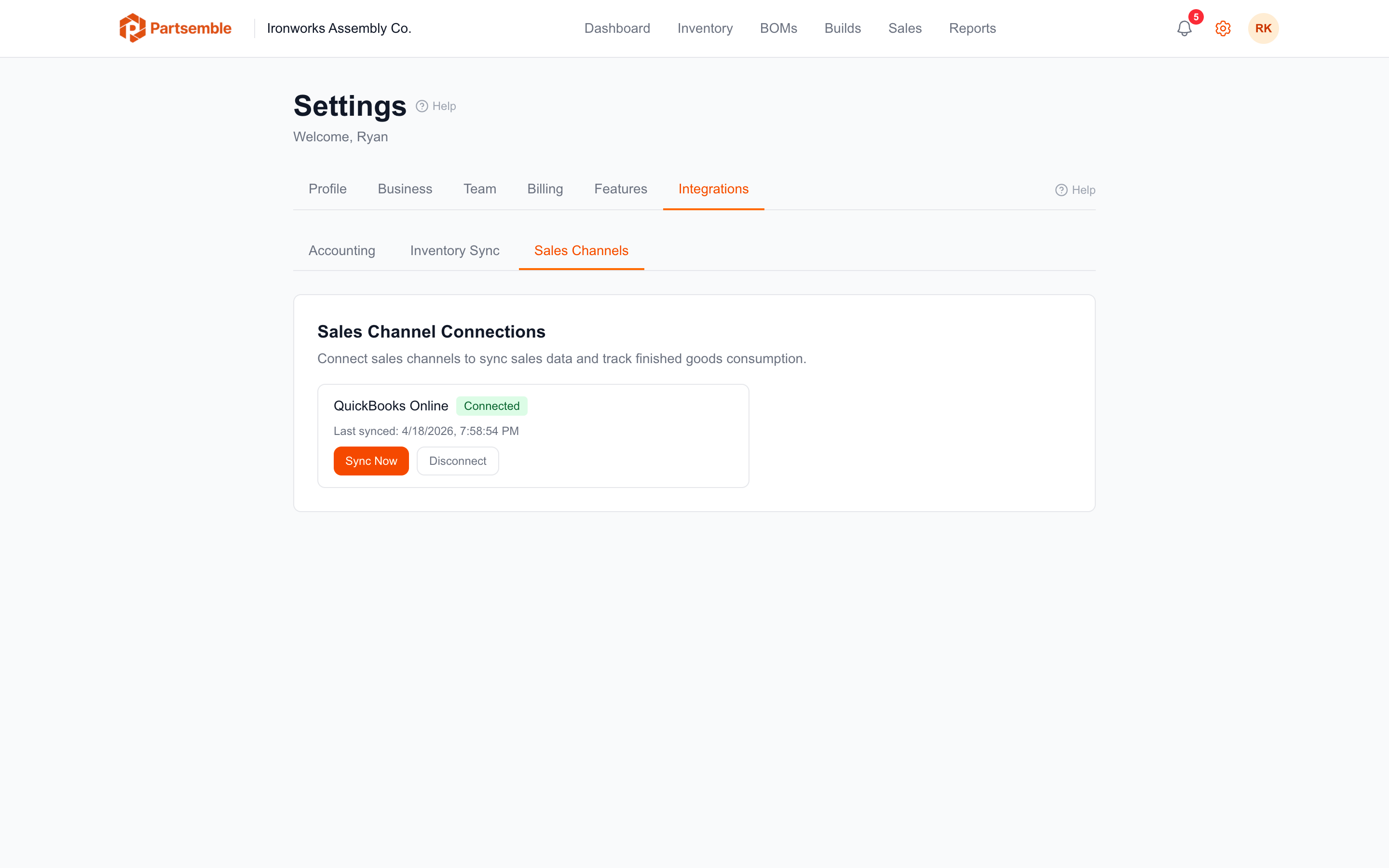
If you've already connected QuickBooks Online (or another supported provider) for accounting purposes, you can use the same connection as your sales channel. No additional OAuth or sign-in is required.
Navigate to the Sales tab in the Inventory section. If no sales channel is connected, you'll see a prompt to connect one.
Click Connect Sales Channel and configure:
Channel type — currently, only "Accounting" is supported. This pulls invoices and sales receipts from your connected accounting system.
Initial sync date — how far back Partsemble should look for sales on the first sync. Choose a date that covers the period you want to analyze. After the initial sync, only new and updated transactions are pulled.
Click Connect. The sales channel is now active and ready to sync.
Multiple Sales Channels
Each business can have one accounting-type sales channel per accounting connection. If you have two integrations on the Advanced plan, each connection can have its own sales channel.
Manual sales use a separate auto-created channel — you don't need to set this up.
Disconnecting a Sales Channel
If you need to stop syncing sales, you can deactivate the channel. Existing sales data is preserved. You can reactivate later to resume syncing.