Business Settings
Business settings is the central configuration hub for your Partsemble account. Here you manage your team, configure features, set up integrations, and control how Partsemble behaves for your business.
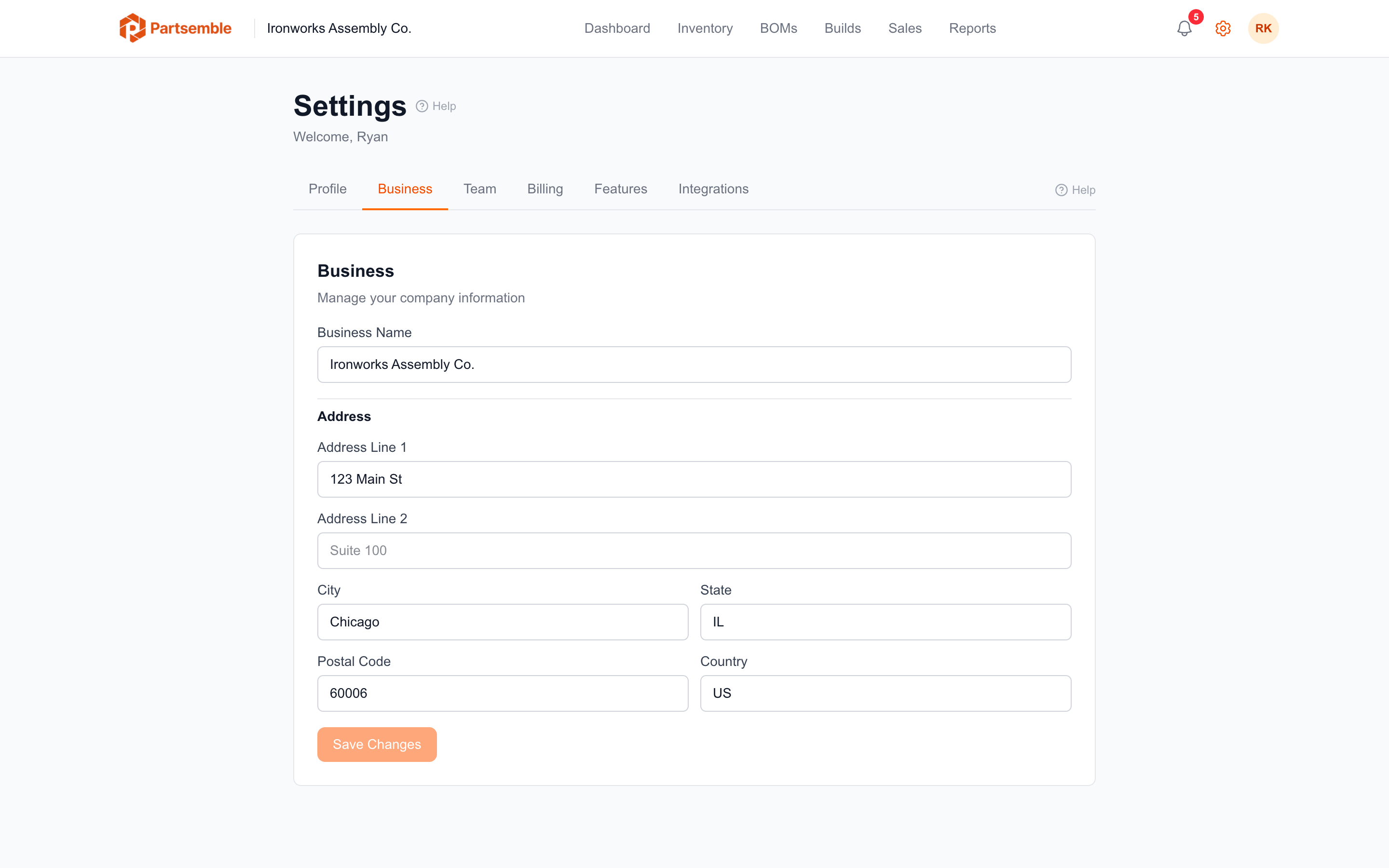
Accessing Settings
Click the Settings gear icon in the sidebar navigation. The settings page is organized into tabs covering different areas of configuration.
Settings Areas
Profile & Security — manage your personal account details, theme, and password. See Profile and Security.
Integrations — manage your QuickBooks Online connection, configure inventory sync mode, set export accounts, and control item sync settings. See QuickBooks Online and Export Settings.
Features — enable or disable optional capabilities like QA review, receiving, sales tracking, build assignments, inventory reservation, and dashboard alerts. Each feature can be toggled independently, subject to your plan tier. See Feature Toggles.
Team — invite team members, manage roles, and configure permissions. See Team Management.
Permissions — customize what each role can access and do within Partsemble. See Roles & Permissions.
Who Can Access Settings
Most settings sections require specific permissions. The business owner has full access to everything. Other roles can access settings based on their granted permissions — for example, a user with manage_connection permission can configure integrations, but only users with manage_team can invite or remove team members.