Receiving Account
The receiving account is the GL account in your accounting system where receipt transactions are posted. You need to configure it before you can export receipts.
What Is the Receiving Account?
When you confirm a receipt and export it to your accounting system, Partsemble creates a transaction that increases inventory. The receiving account is the offset account for these transactions — it tells your accounting system where to record the corresponding credit (or debit, depending on your setup).
Common account names include "Inventory Asset," "Purchases," "Raw Materials Inventory," or "Receiving Clearing." The right choice depends on your accounting practices and chart of accounts.
How to Configure
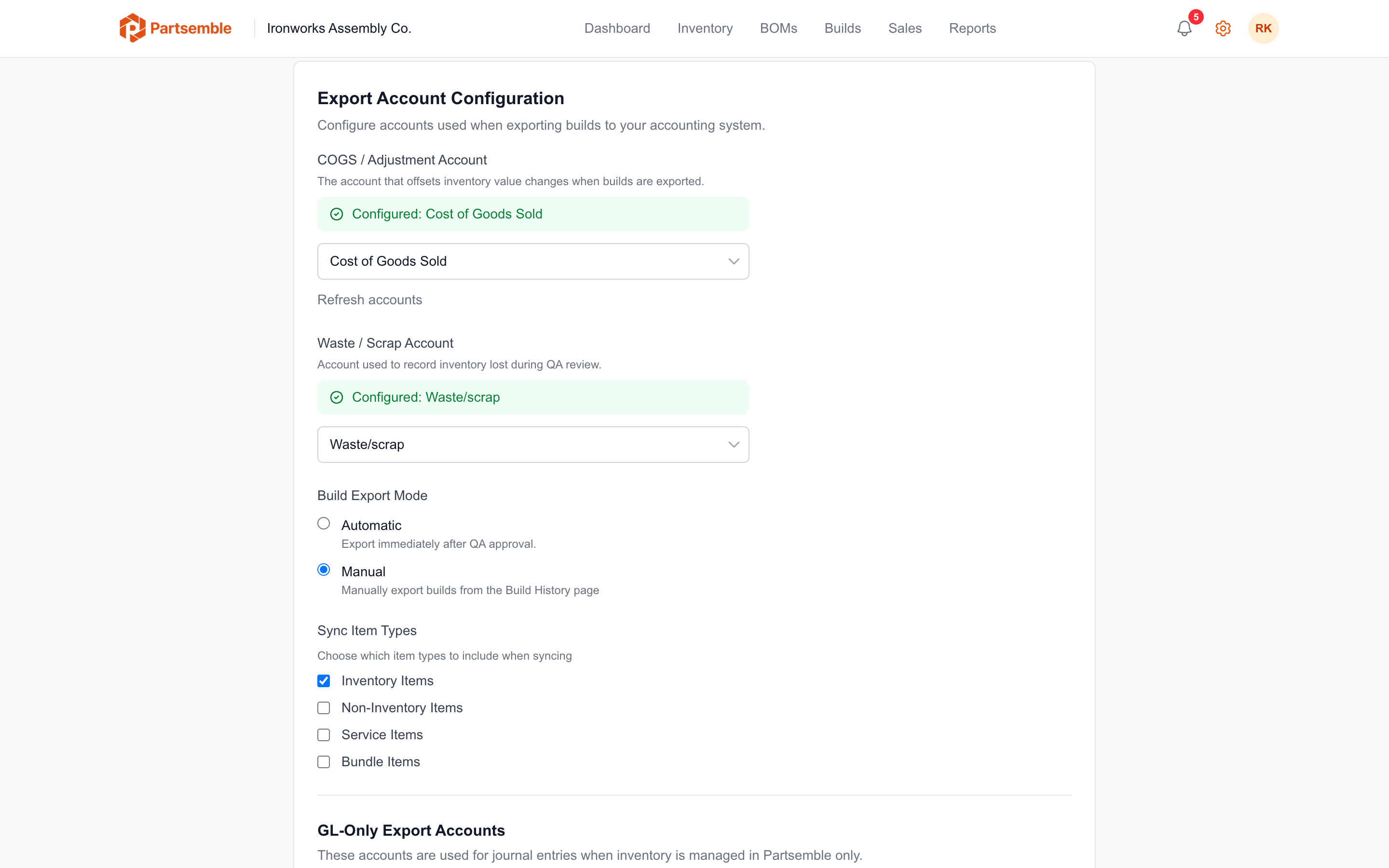
Navigate to Settings → Integrations and find the Export Configuration section. Select your receiving account from the dropdown. The dropdown shows accounts from your connected accounting system.
Click Save.
If you don't see the account you need in the dropdown, make sure it exists in your accounting system first. Partsemble pulls the account list from your connected provider. You may need to refresh the account list if you recently created the account.
When It's Required
The receiving account is required for exporting receipts. Without it:
- Receipts can still be created and confirmed (inventory updates work normally)
- Auto-export is skipped for receipts
- Manual export attempts show a message asking you to configure the account
If you don't plan to export receipts to your accounting system, you don't need to configure a receiving account. But most businesses will want receipt exports to keep their books accurate.
Partsemble-Only Mode
If you manage inventory in Partsemble only (not synced with your accounting system), receipt exports use GL journal entries instead of inventory adjustments. In this case, you configure a receiving debit account and a receiving credit account instead of a single receiving account.