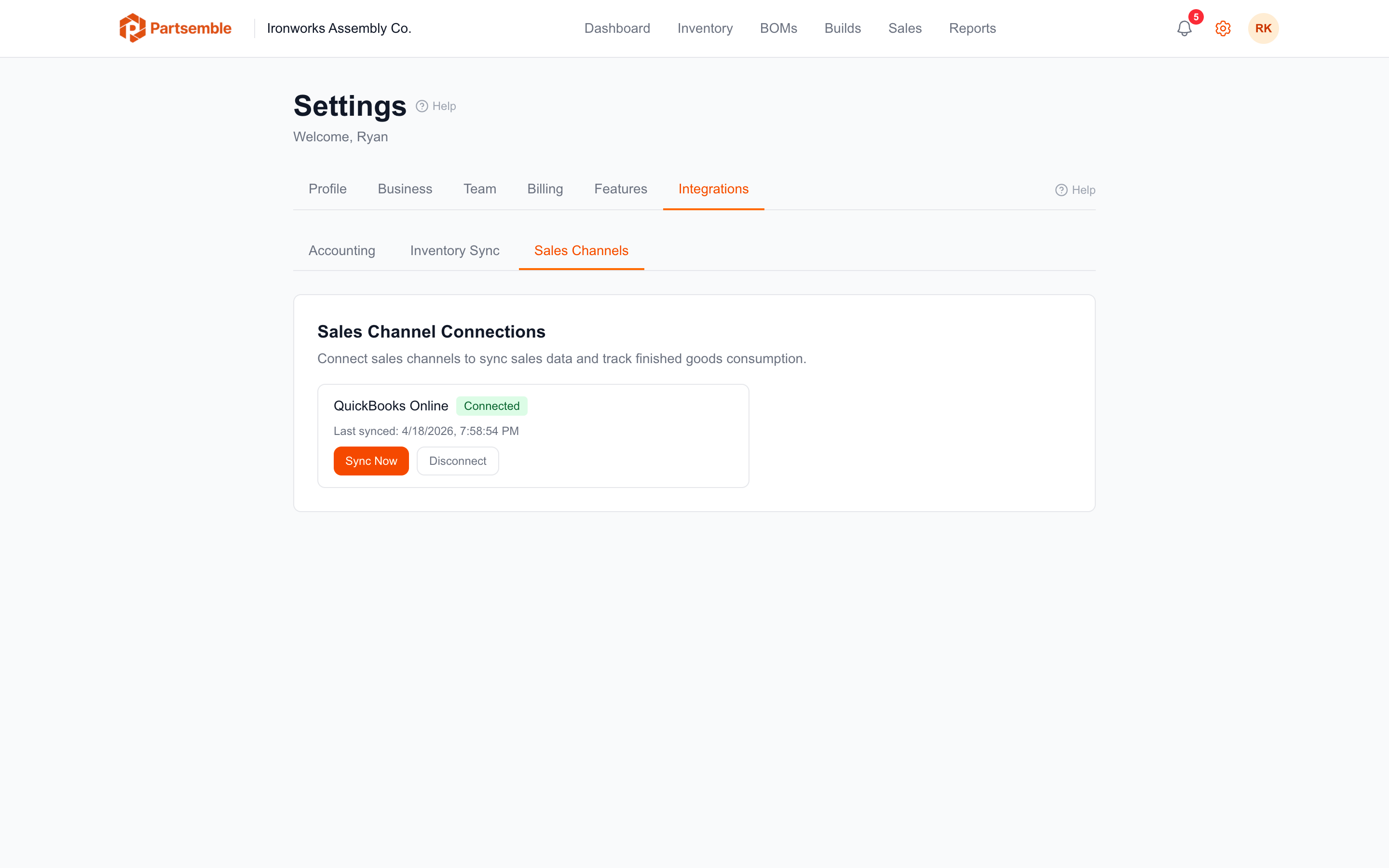
Sales Channel Connections
A sales channel is the source that feeds sales data into Partsemble. Sales channels are managed separately from your accounting and inventory connections, giving you flexibility in how sales data flows into the system.
Channel Types
Accounting — pulls invoices, sales receipts, and credit memos from your connected accounting system (e.g., QuickBooks Online). This is the primary sales channel type and the one most businesses use.
Manual — an auto-created channel for sales entered directly in Partsemble. You don't need to configure this — it's created automatically when you enable sales tracking. See Manual Sales.
Additional channel types (POS, Ecommerce) are planned for future releases.
Setting Up an Accounting Sales Channel
If you've already connected QuickBooks Online, you can use the same connection as your sales channel without any additional sign-in.
Navigate to the Sales tab and click Connect Sales Channel. Configure the channel type (Accounting) and the initial sync date — how far back Partsemble should look on the first sync. After the initial sync, only new and updated transactions are pulled.
For step-by-step instructions, see Connecting a Sales Channel.
Channel Limits
Each business can have one accounting-type sales channel per accounting connection. If you have multiple accounting connections (available on the Advanced plan with multiple integrations), each connection can have its own sales channel.
The manual sales channel is always available and doesn't count against this limit.
Active and Inactive Channels
Sales channels can be activated or deactivated. Deactivating a channel stops future syncs but preserves all existing sales data. You can reactivate later to resume syncing from where you left off.
How Channels Relate to Other Connections
Sales channels depend on the underlying accounting connection but are managed independently. You can have an active accounting connection for item sync and build exports while choosing not to set up a sales channel — or vice versa. The sales channel only controls the flow of sales data (invoices and receipts) into Partsemble.